

The Spoon Theory Workbook (Clinical License)
Supporting Neurodivergent Clients with Energy Rhythm
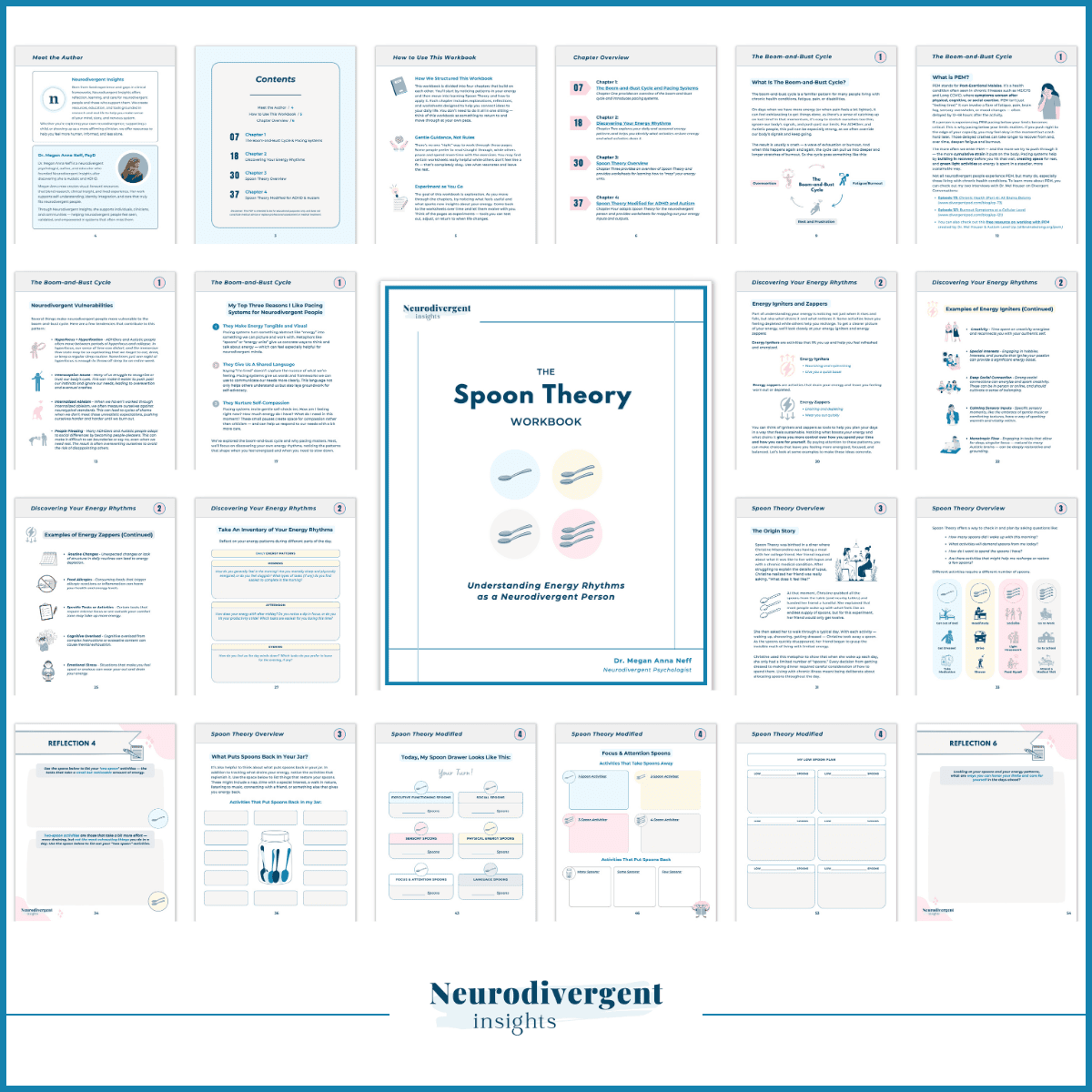
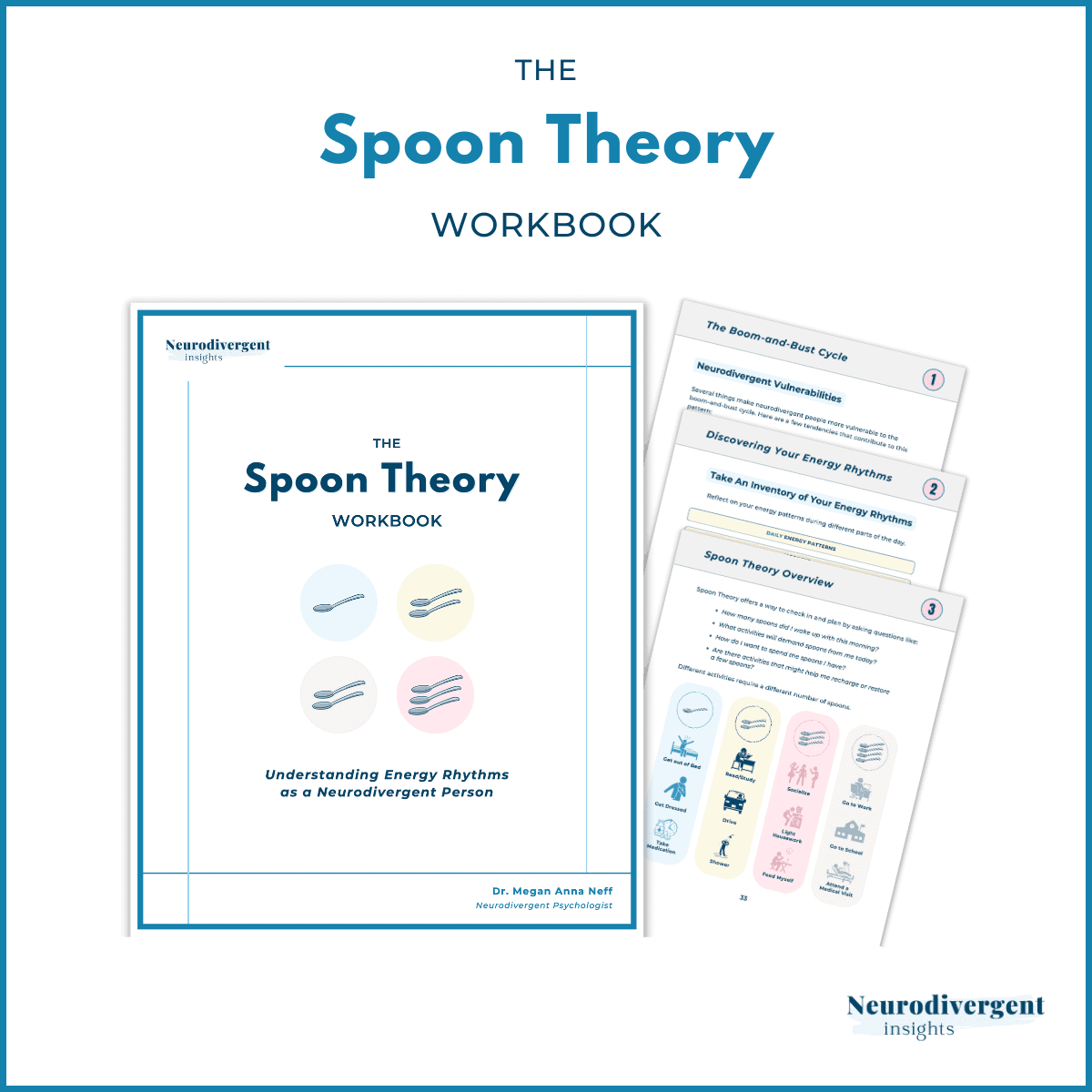
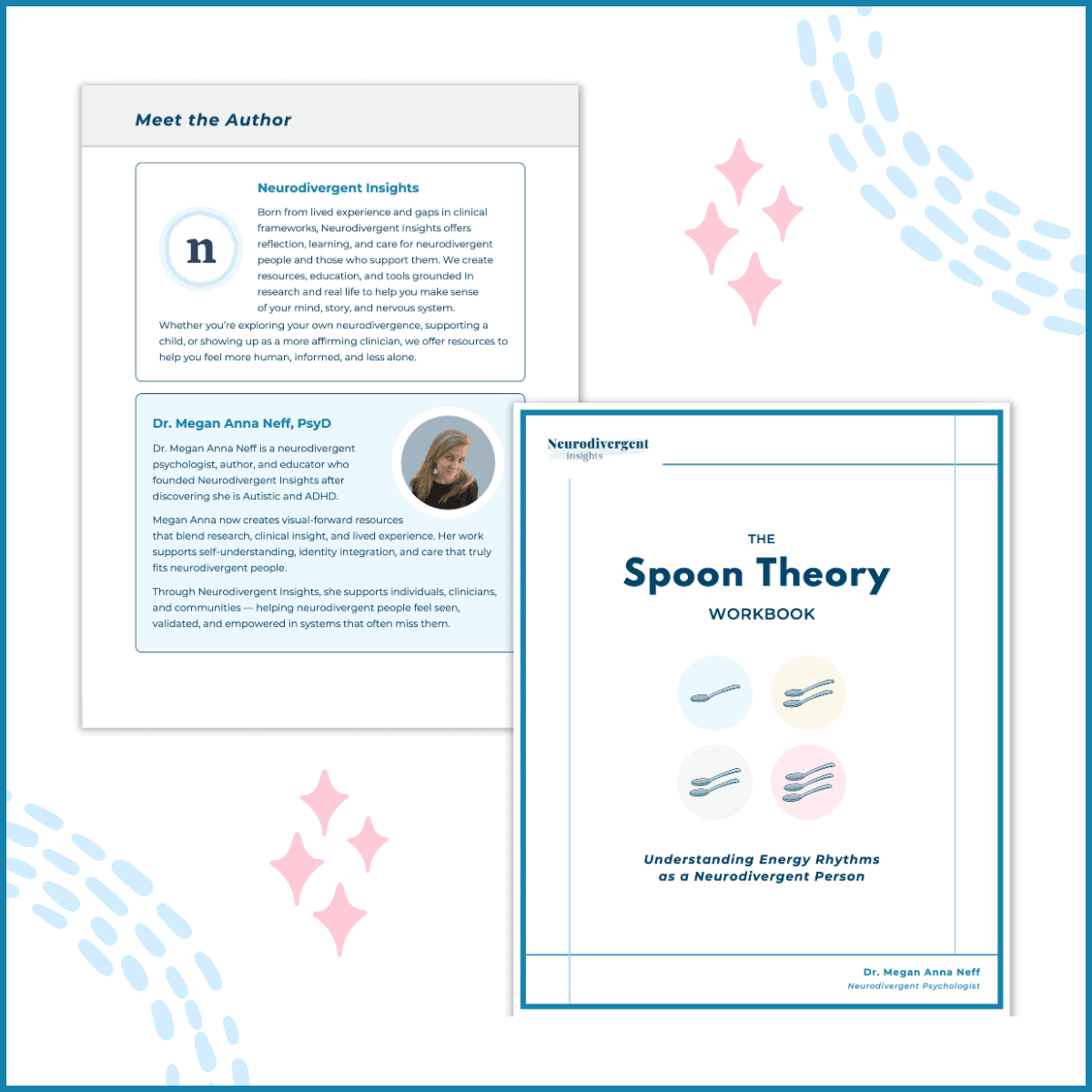
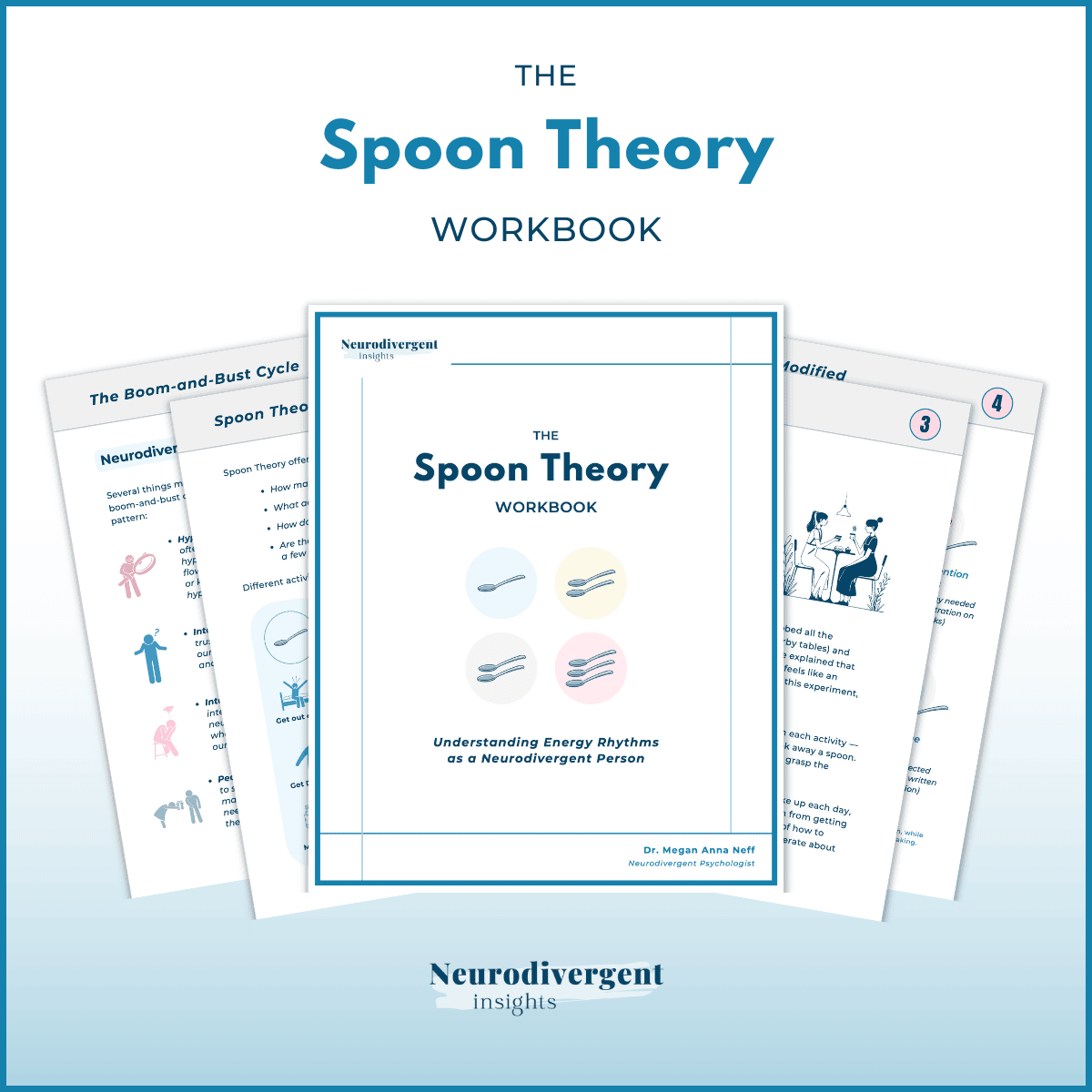
📘 A 57-page workbook that adapts spoon theory for use in clinical and coaching settings with autistic and ADHD clients.
Spoon theory has long been used in disability communities as a way to describe energy limits and the realities of living with chronic illness, pain, or fatigue. This edition adapts the framework for neurodivergent contexts, offering tools for exploring burnout, pacing, and self-regulation with your clients.
With a highly visual, interactive PDF, this workbook provides structure for conversations about energy, capacity, and limits. It can help clients notice patterns, language their lived experiences, and experiment with practical strategies—all while fostering self-understanding and compassion.
🗂️ Logistical Details
✷ ✷ Purchasing the coaching/clinical version gives you full rights to share this workbook with your clients. If you are a group practice or school or are running an online course, please contact us for group pricing (Email Support@neurodivergentinsights.com). If you’re using it for your own personal learning only, you can choose the personal-use version instead. Both contain the same content — the difference is simply in the licensing.
⚠️ Mental Health Disclaimer: This neurodivergent workbook is intended for educational purposes only. It is not a substitute for professional medical or mental health advice, diagnosis, or treatment. If you have concerns about your health or well-being, please consult a qualified healthcare or mental health professional.
📥 Digital Download 📥
Please note this is a digital download only and no products will be shipped or mailed to you. We recommend creating an account when you checkout to ensure you can easily access this workbook at any time and any future updates to this workbook.
✍️ Using Your Workbook Digitally
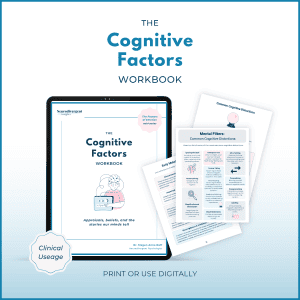
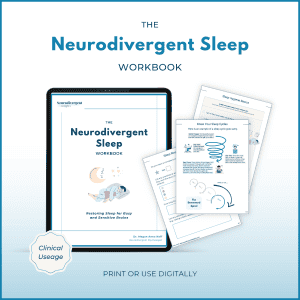
- On an iPad or Tablet. You can open the PDF in an app like GoodNotes, Notability or Noteshelf → write directly on the pages with a stylus or keyboard. These apps allow typing, highlighting, and handwriting with an Apple Pencil. You just import your PDF workbook, and it becomes “fillable” by writing or typing.
- On a Computer. If you’re on a computer, you can type your reflections right onto the workbook pages by opening the PDF in Adobe Reader (free) or another PDF viewer. Some people also like to keep a separate digital journal or Word/Google Doc open alongside the workbook, copying over prompts and writing more freely there.

Reviews
There are no reviews yet.